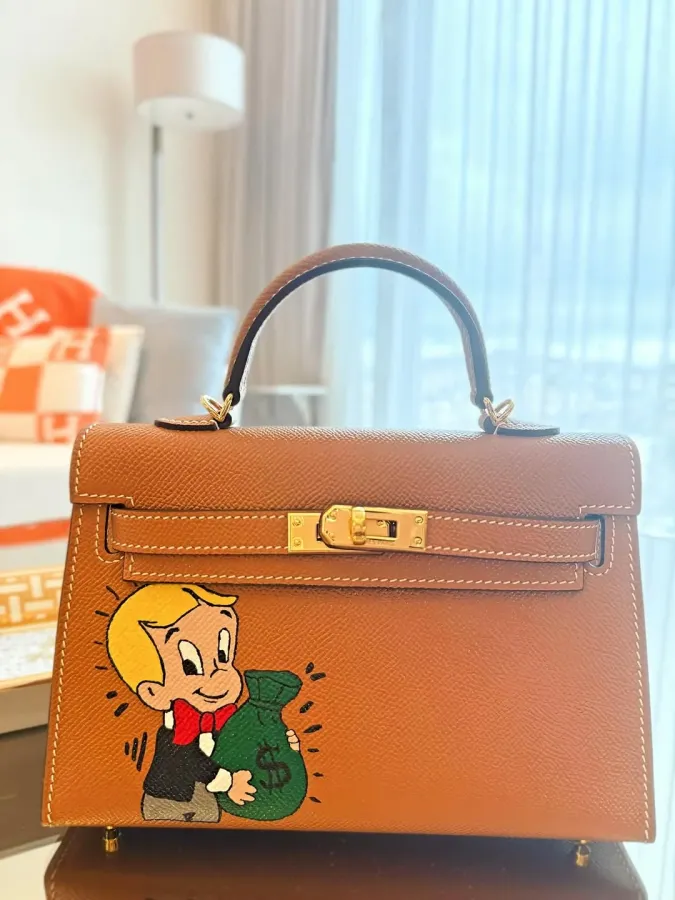
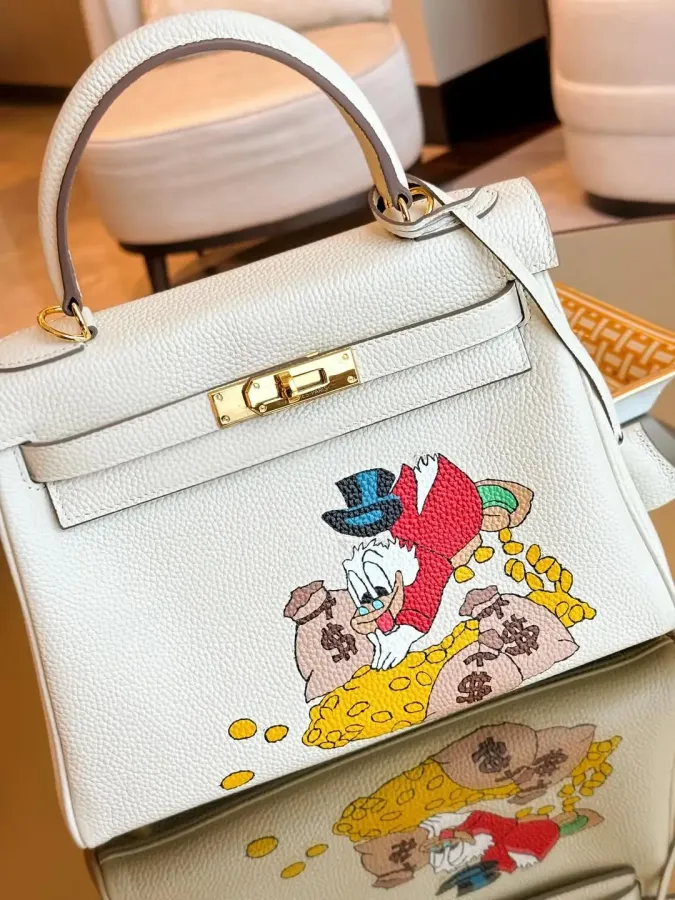
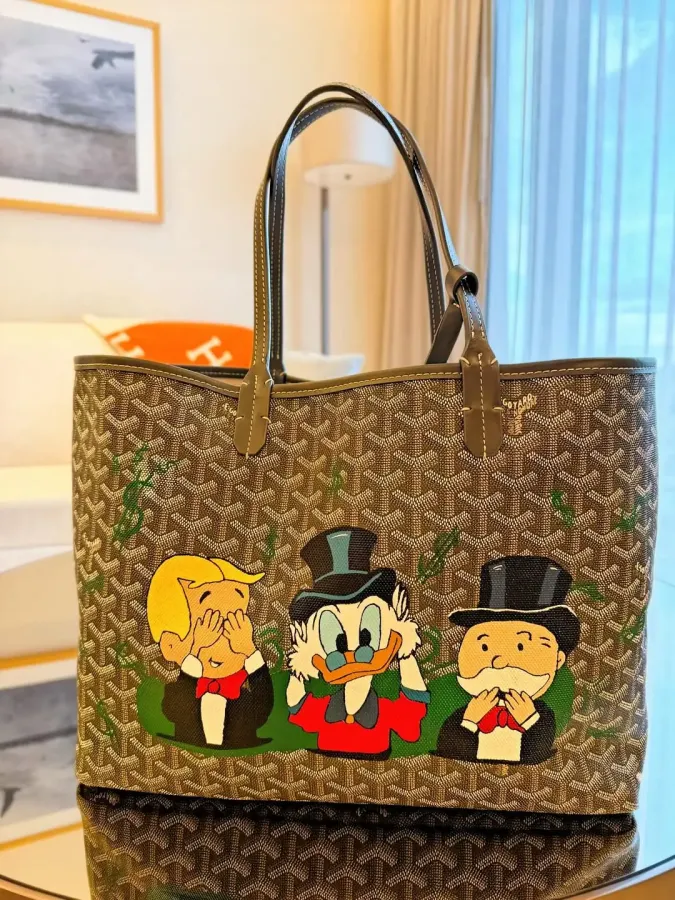
The small labels on the cards, works that show a note instead of a price, favourites and search: a few details that will help you as you browse the collection, gathered in one place.
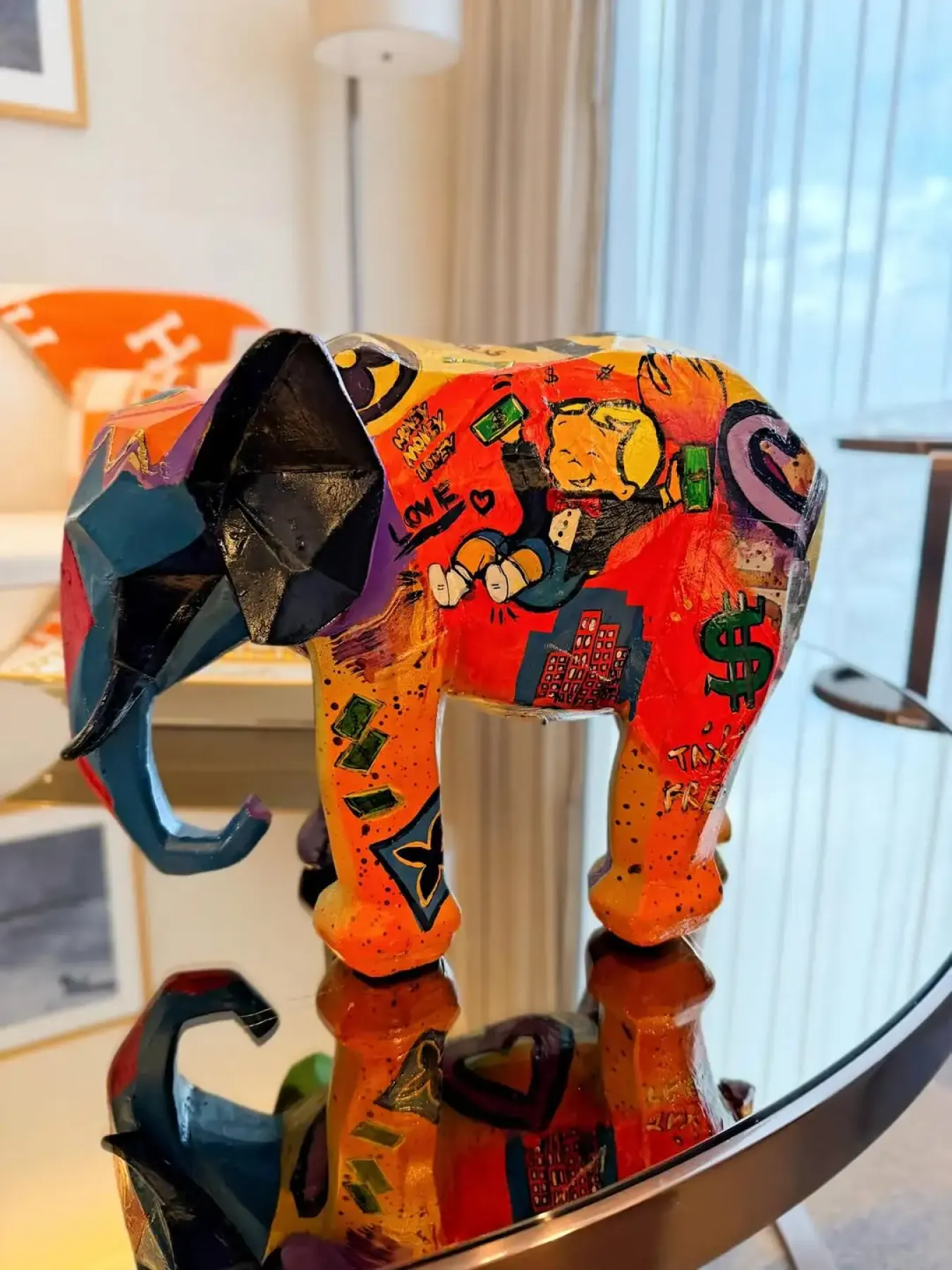
As you browse the collection you'll see small labels on the cards, a note instead of a price on some works and a different button on others. Each one means something; this short guide gathers them in one place.
Labels on the cards
- One of one. Tells you there is only one of this work. Once it's sold, it can no longer be bought.
- New. Appears on works added to the collection in the last 30 days.
- Sold. Sold works aren't removed from the list: their image fades and the card reads "Sold", so you can keep seeing the whole collection.
If you only want to see works that can be bought, you can narrow the list down to available works; on a computer the same choice sits in the Availability filter in the left column of the products page.
Works without a price
Some works show "Price on request" instead of a price, with an Ask for price button. These works can't be added to the cart; the button takes you to WhatsApp or the contact page, where you can talk to the shop directly. On WhatsApp your message arrives ready, with the work's name and link, so there's no need to explain which piece you're asking about.
Favourites
You can mark works you like with the heart in the top right corner of the card. Favourites are kept in your account, so you need to sign in and verify your email address to save them. In return, your list stays the same on your phone and your computer, and it's still there months later.
Search
Just type the name of a character or a bag into the search box, such as "Richie Rich" or "Kelly". On a computer you can open search from any page with Ctrl+K (Cmd+K on a Mac).
Buying
You don't need an account to buy; at checkout you can continue as a guest by entering your address. If you have an account, you choose one of your saved addresses and can follow your order later under Account → Orders. When you complete your order, the confirmation page shows a summary and what happens next.
If anything is unclear, you can write to us through the contact page.